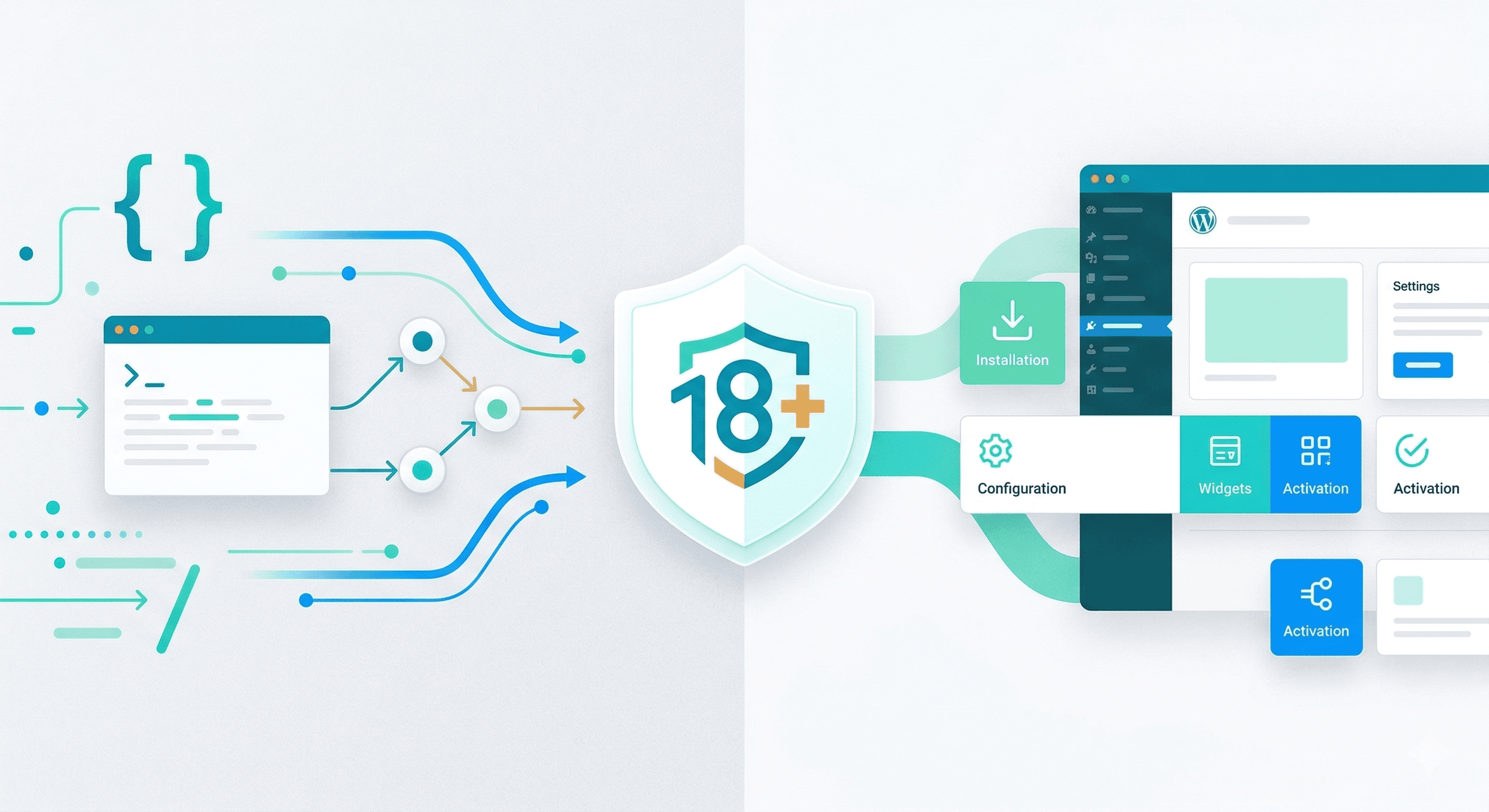
How you integrate age verification depends on your stack and who maintains it. Two common patterns are a direct API integration and a ready-made plugin for WordPress or WooCommerce.
Running WordPress or WooCommerce?
Start on the AgeOnce WordPress plugin setup page for plugin install, free plan, checkout rules, and the setup video. This post compares integration paths when you are choosing between API and plugin.
Quick answer
- Use the plugin when your site runs on WordPress or WooCommerce and you want minimal code.
- Use the REST API for custom apps, headless storefronts, mobile clients, or fine-grained control over when verification runs.
- Same engine either way — signed age outcome, Audit ID, no ID or face storage on your servers.
- WordPress setup: plugin setup page · Custom stack: live demo
API integration: full control for custom stacks
With the API, you redirect the user to the age verification provider (e.g. via OAuth-style flow with client_id and redirect_uri). The user completes verification; the provider redirects back with an authorization code. Your backend exchanges the code for a JWT or signed token (and optionally an Audit ID). You then grant or deny access based on the token. This fits custom apps, headless front ends, and any platform where you control the backend. You keep full control over when to trigger verification, how to cache or refresh tokens, and how to pass the result to your business logic.
WordPress and WooCommerce plugin: ship faster
On WordPress or WooCommerce, a plugin can gate content or purchases (e.g. alcohol, age-restricted products) by handling the redirect, callback, and token validation. The plugin typically checks for a valid age verification result (and perhaps an Audit ID) and then allows access to the page, product, or checkout. This path suits teams that want minimal code and a quick launch. Check that the plugin is maintained and that it does not store more user data than necessary (e.g. only the verification outcome and audit ID, not raw tokens or extra PII).
If your store runs on WordPress, start with the AgeOnce WordPress plugin setup page for the plugin, free plan, WooCommerce checkout rules, and documentation links in one place.
Hybrid. Some providers offer both: an API for full control and a plugin for WordPress. You might start with the plugin for a marketing or e‑commerce site and add API integration later for a custom app or forum. In all cases, prefer a solution that returns only a verification outcome and audit trail, so your integration stays simple and compliant.
Choose your path
On WordPress or WooCommerce, start at AgeOnce WordPress plugin setup for install and checkout rules. For custom stacks, run the live demo then review docs.ageonce.com. Compare plans on pricing. Plugin launch background: AgeOnce on WordPress.org.
Frequently asked questions
Use the CMS plugin when your site runs on WordPress or WooCommerce and you want fast deployment with minimal code. Use the API for custom stacks, headless front ends, mobile apps, or when you need fine control over when and how verification is triggered.
Yes. The plugin can require verification before an order is placed when the cart contains age-restricted items, and it can also gate posts, pages, and custom post types by taxonomy rules.
Yes, but only lightly. The API uses an OAuth-style redirect flow and returns a signed token plus an Audit ID. Any backend developer can wire it up in a day for most stacks.
Yes. Both paths use the same verification engine, the same privacy-first model (no stored IDs or faces), and the same Audit ID. Teams often start with the plugin for a WordPress site and add the API for a mobile app or custom platform later.